Turn Your iPad into a Simple Capture Monitor for USB-C External Cameras
Published
Updated
Category release-notes
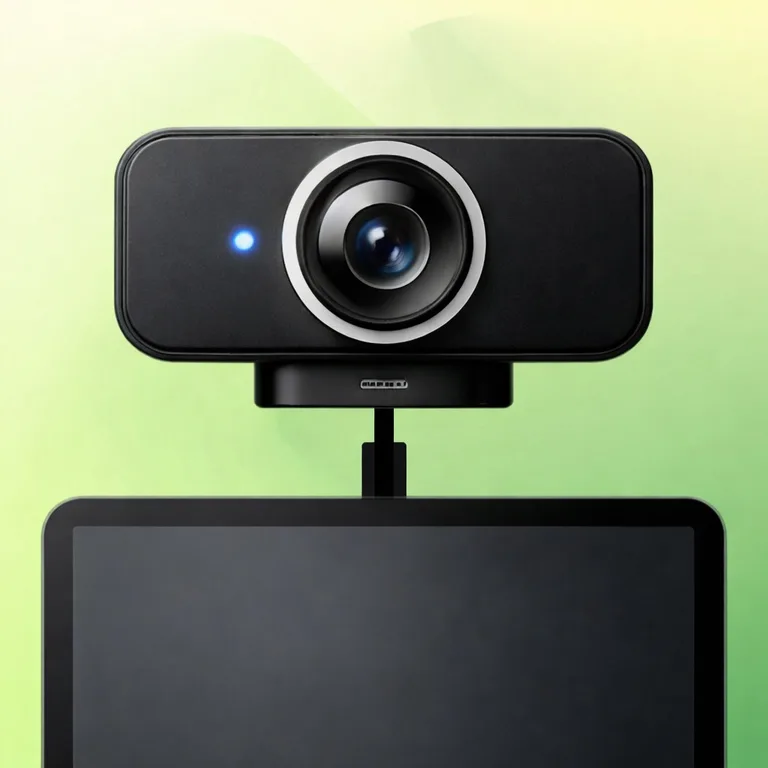
PortShot is an app that turns your iPad into a simple capture monitor for USB-C external cameras. You can take photos and record videos while viewing the live feed from an external camera. Captured media is not mixed into Photos or your camera roll. You can save, review, and delete it inside the app.
Who This Is For
- People who want to capture footage while checking a USB-C external UVC camera feed on an iPad
- People who want to quickly capture their hands, objects, documents, or desk setup on the spot
- People who want to use an iPad for product shots, document checks, or overhead viewing
- People who want to keep captured data separate by purpose instead of mixing it into the camera roll
Turn Your iPad into a Capture Monitor for External Webcams
Sometimes all you want is to view an external camera feed on your iPad, but the flow for checking, capturing, saving, and reviewing can end up scattered.
PortShot narrows the focus to that specific use case.
What it does is simple.
- Connect a USB-C external UVC camera to your iPad
- Open PortShot
- Take photos or record videos while watching the live feed
- Review saved media inside the app
It is not a full-featured editing app. It is a capture monitor for external cameras, focused on live preview, capture, saving, review, and deletion.
Keep It Out of the Camera Roll
Photos and videos captured with PortShot are saved inside the app, not to the standard Photos app or camera roll.
For example, you may want to keep product-check images, temporary document records, or desk-work footage separate from everyday photos. In PortShot, you can review captured items inside the app and delete anything unnecessary on the spot.
The focus is on keeping “temporary reference data I captured for now” out of the camera roll.
What Matters in the First Version
The first version of PortShot focuses on the capture experience with one external UVC camera.
The main features are as follows.
- Detection of one external UVC camera
- Live preview display
- Photo capture
- Start and stop video recording
- In-app saving
- List view of saved media
- Full-screen photo display
- Video playback
- Deletion
- Camera connection and disconnection status display
- Mirror ON / OFF toggle
On the other hand, the following features are outside the scope of the first version.
- Two-camera simultaneous connection, multi-angle capture
- Saving to the camera roll
- Publishing to the Files app
- Sharing and export
- Filters, trimming, and editing
- Albums, tags, and search
- iCloud sync
- Live streaming
- HDMI capture support
View the external camera feed, capture on the spot, and review it inside the app. The priority is making that full flow easy to use without hesitation.
Use It in 3 Steps
The flow we want you to try with PortShot is the following three steps.
- Connect a USB-C camera to your iPad
- Open PortShot
- Capture while watching the live feed
In situations where you use an external camera, such as product shots, document checks, recording hand work, or checking an overhead view of your desk, being able to “capture while watching” matters. PortShot aims to let you check on the spot, save on the spot, and review immediately afterward.
Compatibility
PortShot is an iPad-only app. A USB-C external UVC camera is required for use.
Compatibility with external cameras is an important point to check. Operation with all USB cameras is not guaranteed, so announcements and descriptions will avoid broadly claiming compatibility and will clearly communicate the requirements.
What PortShot Aims to Be
PortShot is not an app that turns your iPad into an all-purpose capture environment.
Connect a USB-C external camera, check the live feed, and take photos or record videos. Review what you captured inside the app. Delete it if you no longer need it.
It is an app for completing that small task without unnecessary steps.
Share this article
Related Articles
PortShot 1.2.0 Release Notes
PortShot 1.2.0 improves color preset display, video mirroring, save-time conversion, date stamp placement, and recording preparation.
PortShot 1.1 Update Notes
PortShot 1.1 improves handling around real-time video recording and playback, and adjusts color presets so their appearances are clearer.