
Capture photos and videos on the spot
Use one large live preview for both photo capture and video recording. Timer shots and timelapse are supported as part of the same flow.
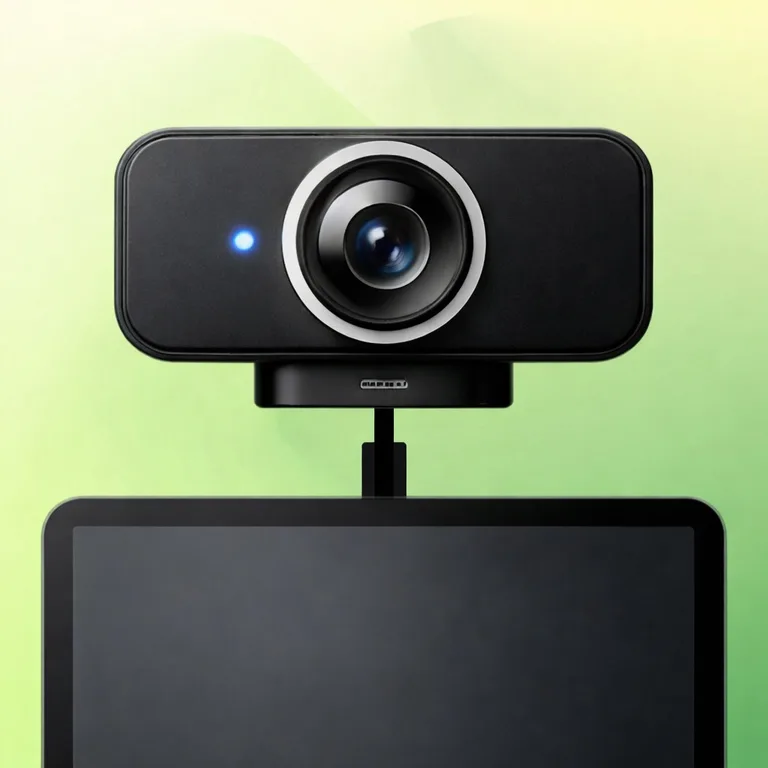
PortShot
Connect a USB-C external UVC camera or webcam to your iPad. Preview the live feed while taking photos or recording video, with everything stored inside the app instead of the Camera Roll.

Version 1.2.3 / Released Oct 5, 2026
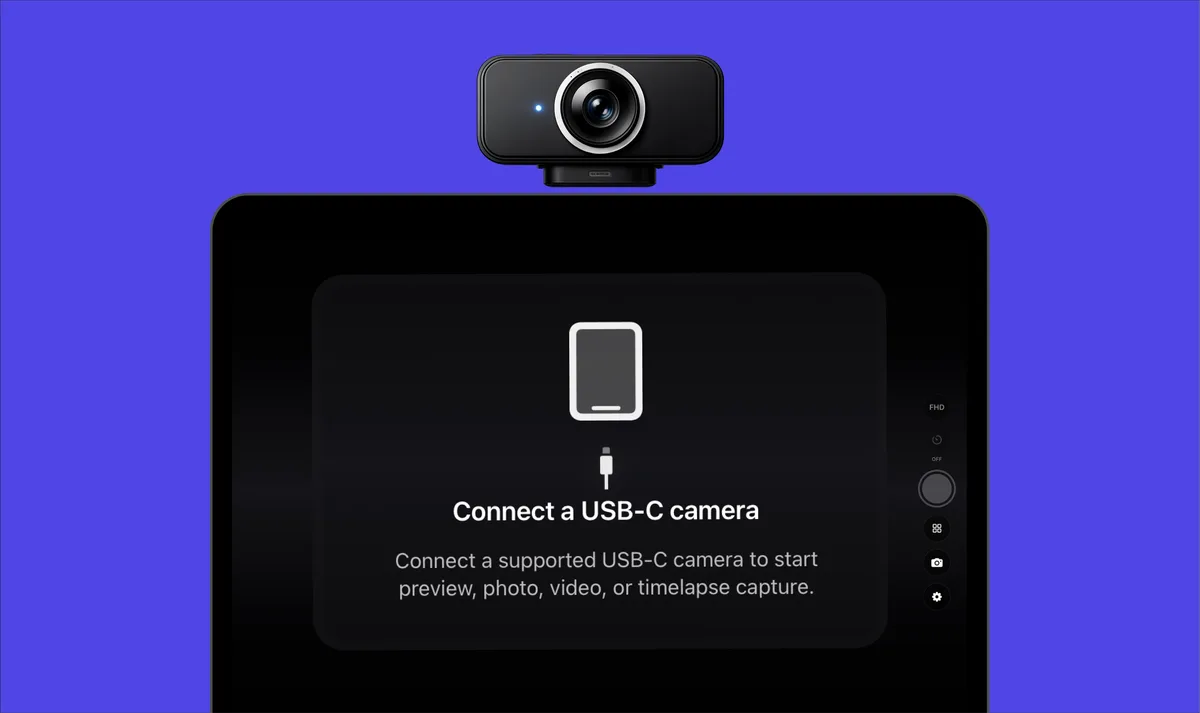
PortShot keeps only the steps you need for checking an external camera feed. Launch into a live preview right away, then keep captured files inside the app so your work records stay separate.
Use one large live preview for both photo capture and video recording. Timer shots and timelapse are supported as part of the same flow.
Switch horizontal and vertical orientation adjustments to match your setup. Preview, capture, and library saving all stay in the same app.
From tabletop product shots to document checks and overhead confirmation, PortShot fits tasks where you want to verify what is in front of the camera right away.
Captured files do not get mixed into Photos or the Camera Roll. Save, review, and delete everything from the in-app library.
From desk work to fixed-position records, PortShot keeps preview, capture, and storage close on the iPad.
Show documents, small parts, or in-progress desk work through an external camera and confirm the view on the iPad while capturing.
Connect a USB-C webcam and check the angle, frame, and subject placement right where you are working.
Use flip settings when the camera direction does not match the way the subject should be checked.
Keep a camera on a tripod or arm aimed at the same place, then use timer shots or timelapse to leave a record.
Store check photos and videos inside PortShot instead of mixing them into the personal photo library.
Use live preview, capture, and storage as one focused workflow for external camera checks.
Use one large live preview for both photo capture and video recording.
Switch orientation adjustments to match the way your external camera is set up.
Verify what is in front of the camera right away for tabletop work and overhead checks.
Keep captured files in the app library instead of mixing them into Photos.
PortShot is an iPad app for connecting USB-C external UVC cameras and webcams, previewing the live feed, and capturing photos or videos. Captured files are managed inside the app instead of being mixed into Photos.
PortShot is designed around standard UVC-compatible external cameras. It does not guarantee compatibility with every webcam or accessory, so support may vary depending on the connection method and hardware combination.
Yes. In addition to photo capture and video recording, PortShot supports timer shots and timelapse, which makes it useful for fixed-position checks and gradual changes over time.
You need a compatible iPad and a USB-C external UVC camera. Depending on your setup, you may also need a USB-C cable, adapter, hub, or dock.
Captured photos, videos, and timelapse frames are stored in PortShot's in-app library by default. They do not automatically get mixed into Photos or the Camera Roll, which makes it easier to keep work records separate.
Free captures include 7 per day in total across photos, videos, and timelapse. You can capture again the next day. Each successfully saved timelapse session counts once, regardless of frame count. Deleting captures does not restore the daily allowance.
PortShot Pro offers hidden capture controls alongside unlimited captures. Use the crossed-out eye below Settings and tap anywhere to restore controls. Existing Pro owners receive the feature at no extra charge.
These features are available in version 1.2.4, released October 1, 2026. Please check your installed app version. Neither Free nor Pro adds a watermark to saved media.
PortShot 1.2.0 improves color preset display, video mirroring, save-time conversion, date stamp placement, and recording preparation.
PortShot 1.1 improves handling around real-time video recording and playback, and adjusts color presets so their appearances are clearer.
PortShot is a simple capture monitor that lets you connect a USB-C external UVC camera to your iPad, take photos and record videos while viewing the live feed, and review saved media inside the app.
2026-10-05
Version 1.2.3 was released.
2026-10-05
Version 1.2.2 was released.
2026-10-05
Version 1.2.1 was released.
2026-10-02
Version 1.2.4 was released.
2026-05-21
Version 1.2.0 was released.
2026-05-20
Version 1.1.1 was released.
2026-05-10
Version 1.1 was released.
2026-04-28
Version 1.0 was released.
PortShot
PortShot turns your iPad into a capture monitor for USB-C external UVC cameras and webcams. Preview live video, capture photos and videos, and keep everything in the in-app library.